Why Does iPhone Charge Faster in Airplane Mode?

Mahmud Hasan
November 20, 2026
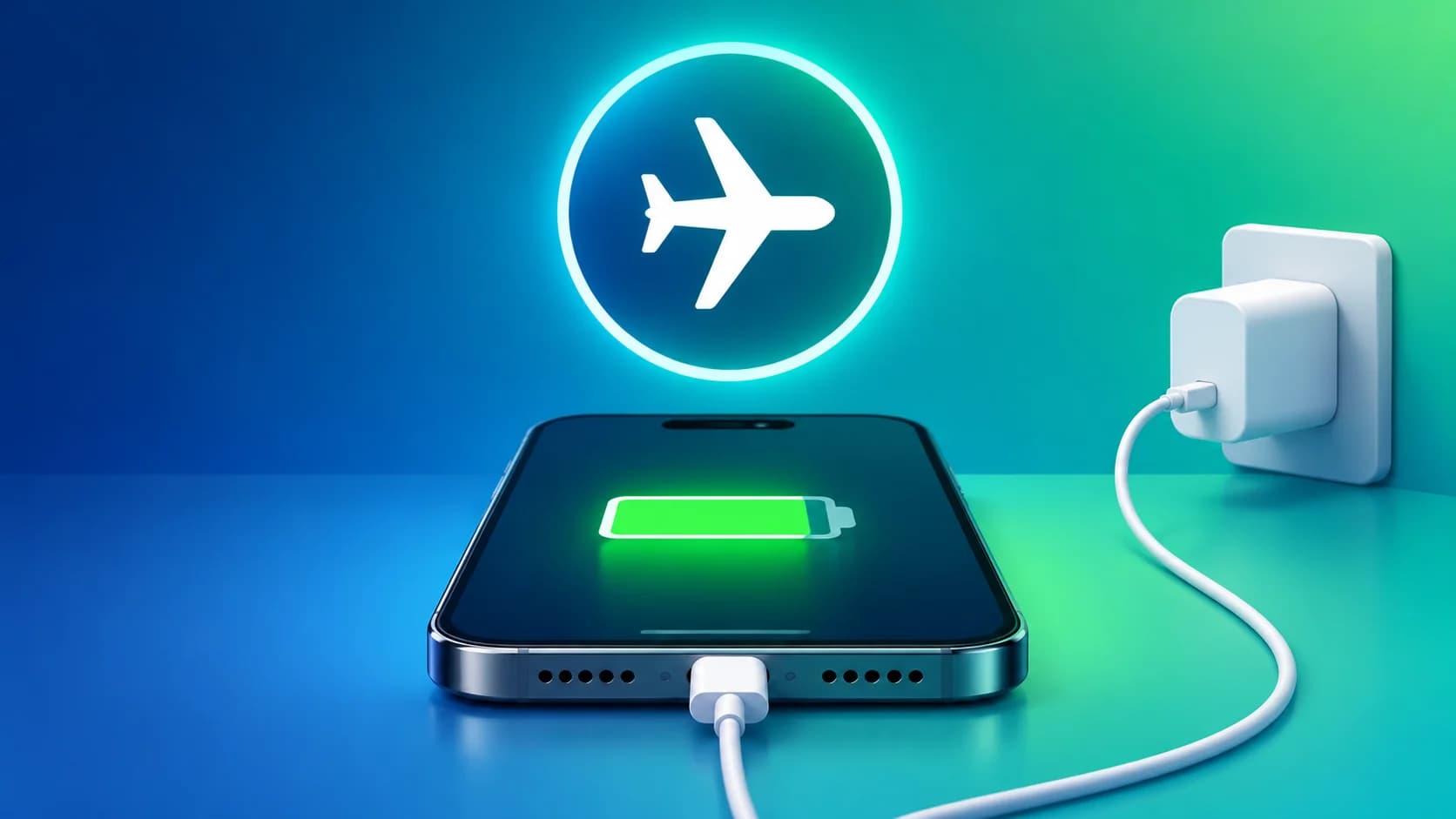
You have ten minutes before you leave, your iPhone is at 23%, and someone tells you to turn on airplane mode while it charges. It sounds right: the radios go quiet, the phone stops hunting for signal, and all that power goes into the battery instead. The honest answer is less exciting. Yes, it charges faster — but on a modern iPhone with a decent charger, the difference is so small you would need a stopwatch to notice it. Charging does not speed up. The phone just stops spending power while it charges, and most of the time it was not spending much.
What airplane mode actually switches off
Airplane mode cuts your iPhone off from the cellular network: no calls, no texts, no mobile data. That part every guide gets right. The part most of them get wrong is Wi-Fi and Bluetooth. Apple's own support page says airplane mode "turns off all radios except for Bluetooth" — and you can switch Wi-Fi and Bluetooth back on while airplane mode stays on. Worse, your iPhone remembers what you did last time. If you turned Wi-Fi back on during a previous flight, it may still be on the next time you tap the airplane icon.
So check Control Center first: after turning airplane mode on, look at the Wi-Fi and Bluetooth buttons. If either is lit, your phone is still doing the thing you switched airplane mode on to stop. That is the trap most guides never mention, and it comes straight from Apple's documentation.
The numbers on page one do not agree with each other
Search the exact question and the guides disagree by a factor of three. One says airplane mode makes charging 15–30% faster and claims an iPhone 14 goes from 20% to 80% in about 35 minutes with airplane mode, versus 50 minutes without it. Another says 10–15% more battery in the same time. A third says 5–15% faster. Anker, whose chargers these guides keep recommending, just says yes and gives no number at all. None of the confident ones shows a method — no charger model, no starting percentage, no repeat runs. A 35-versus-50-minute claim with no test behind it is not a measurement; it is a guess with a stopwatch drawn on it.
The one source that actually timed phones tells a much flatter story. Two phones with 80W chargers charged in virtually identical times with and without airplane mode. A Sony Xperia on a 30W charger took practically the same time to reach 100% either way. An older iPhone on a 20W charger differed by only a few minutes — and in one run it took slightly longer with airplane mode on. A Motorola Razr went from about 45 minutes to about 44. The only place the tests found a real gap was with slow chargers: 10–20W bricks and laptop USB ports, where airplane mode shaved off five to ten minutes on a large battery. That is the pattern to remember, because it explains everything else in this post.
Why the gain is small: charging is net power, not speed
Think of charging as a subtraction. Your battery gains whatever the charger delivers minus whatever the phone burns while it charges. A 20W USB-C adapter — the one Apple says gets an iPhone 15 or later to about 50% in roughly 30 minutes — pushes around 20 watts into the phone at the start. The radios airplane mode switches off draw roughly one to two watts between them when the phone sits idle. Take two watts out of a twenty-watt flow and you have saved about a tenth of the input, and only while the phone is drawing full power. Past about 80%, the phone tapers the current anyway to protect the cells, and the radios' share matters even less.
The screen is the part the tip never mentions. Your display alone can draw more power than every wireless radio combined. Turn on airplane mode and then scroll through videos while the phone charges, and you have saved a watt on the modem and spent three on the screen. The trick only works on a phone you leave alone.
When it actually helps
Airplane mode earns its keep in three situations. The first is a slow charger: a 5W brick, an old USB-A port, a laptop port, a power bank that tops out at 10W. There the radios are a meaningful share of the input, and five to ten minutes on a big battery is a real saving when you are in a hurry. The second is weak signal. A phone hunting for a tower in a basement or a rural dead zone works its modem hard, and that is the one case where the radios' draw climbs well above idle. The third is the simplest: the phone is going to sit untouched on a table for twenty minutes anyway. If you are expecting a call, a delivery driver, or a two-factor code, do not trade that for two percent of battery.
What actually charges your iPhone faster
If minutes matter, the charger matters more than the setting. Apple's fast-charge guidance is blunt: use a 20W or higher USB-C adapter that supports USB Power Delivery, with the cable that came in the box, and an iPhone 8 or later reaches about 50% in around 30 minutes. A 5W brick from 2015 will never do that, airplane mode or not, because the bottleneck is the brick. The iPhone 17 goes further — about 50% in 20 minutes with a 40W or higher adapter — but the principle is the same: the adapter sets the ceiling, and everything else is a rounding error.
Second, leave the phone alone while it charges. Recording video, playing a game, or streaming all draw power straight out of the charging budget. Screen recording in particular is a heavy draw — screen, encoder, and storage all working at once — so if you are charging before a call you need to record, finish the recording first. Third, keep it cool. Apple notes fast charging may not work when the phone is too hot or too cold, and heat genuinely slows a charge: the phone throttles current to protect the battery. A case that traps heat or a game running while plugged in will cost you more minutes than airplane mode ever saves.
Fourth, if you really want the maximum, turn the phone off. With no operating system, no apps, and no radios at all, the tests put the gain at around 5–10% — the biggest honest number in this whole story, and still a single-digit one. One last thing that looks like a problem but is not: if your phone seems to stall at 80%, that is Optimized Battery Charging doing its job, pausing the last stretch until it thinks you are about to unplug.
The tip survives because it is almost true. Airplane mode does make your iPhone charge faster — by removing a small drain, not by adding speed, and mostly when the charger is slow or the signal is weak. On a 20W fast charger with the phone sitting idle, the honest gain is a minute or two, and the guides promising 25% never timed anything. Buy the right brick, put the phone down, and let the charger do the work. Android users face the same physics — the radios are the same drain, the charger is the same ceiling — so the same rule applies on the other side of the fence.
References
- Apple Support — Fast charge your iPhone (Oct 22, 2026): 50% in ~30 min with a 20W+ USB-C adapter; iPhone 17, 50% in ~20 min with 40W+.
- Apple Support — Use Airplane Mode on your iPhone (Feb 11, 2026): turns off all radios except Bluetooth; Wi-Fi and Bluetooth can be re-enabled and are remembered.
- TodoAndroid — Airplane mode charging: myth and reality: timed tests on 80W, 30W and 20W chargers; seconds-to-minutes on fast chargers, 5–10 min on low-wattage chargers; phone off 5–10% faster.
- Anker — How to Charge iPhone Faster: airplane mode disables network connections, reducing power consumption.
- EcoFlow — Does Battery Charge Faster on Airplane Mode: typically 5–15% faster; display uses more than all radios combined.
- BatterySkills — Does Battery Charge Faster on Airplane Mode: the 35-vs-50-min iPhone 14 claim and 15–30% figure, cited as page-1 claims without a shown method.
Comments
More in Technology
How to Record Screen on iPhone With Sound: 5 Ways
Silent screen recording? How to record screen on iPhone with sound: the mic toggle people miss, app audio vs voice, and the black-screen apps that block it.