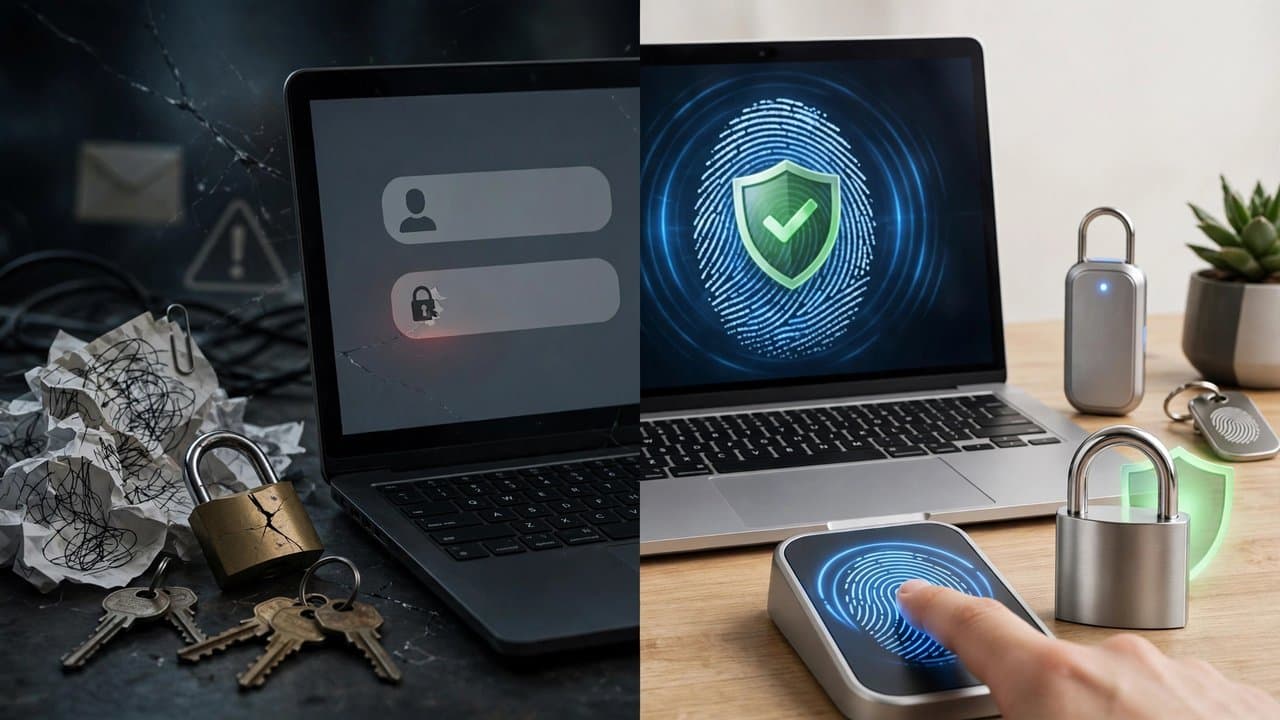
Are Passkeys Safer Than Passwords? The Honest 2026 Answer

Mahmud Hasan
October 12, 2026
This weekend, an essay called "Passkeys are a trap" hit the top of Hacker News — 471 points, 255 comments, most of them from engineers who've actually deployed the things. Meanwhile Google is spending October (Cybersecurity Awareness Month) nudging you to create one, three years after making passkeys its default sign-in. Both sides are telling you half the story. Here's the other half, with the numbers.
What passkeys actually fix
The pitch is real. A passkey is a per-site key pair: your device keeps the private half, the server gets the public half. At sign-in, your device signs a challenge that includes the website's origin — and the browser writes that origin, not the page. A phishing kit at paypa1.com can never get a signature meant for paypal.com. Nothing travels that can be replayed, phished, or cracked in a server breach.
And it works, at scale. The FIDO Alliance counts 5 billion passkeys in use. Its Passkey Index — data from Amazon, Google, Microsoft, PayPal, TikTok and others — reports a 93% sign-in success rate for passkeys versus 63% for other methods, 73% faster logins, and up to 81% fewer login-related help desk tickets. Microsoft's own numbers are even starker: 98% success with passkeys against 32% for passwords. Google says 800 million accounts now use passkeys, with over 2.5 billion sign-ins and a 30% higher success rate. Amazon crossed 175 million customers and calls it "six-times faster" than passwords.
So the marketing claim is honest: passkeys are phishing-resistant, breach-proof in a way passwords never can be, and noticeably faster. If you're comparing against the way most people actually authenticate — one reused password everywhere, maybe an SMS code — it's not close. Passkeys win by a mile.
The same property is also the problem
Here's the sentence that captured the weekend debate best: a passkey is "a password your device invents, never shows you, and refuses to hand to anyone, including you." That one property is why passkeys stop phishing — and it's exactly why moving them is so painful. Un-phishable and un-movable are the same word.
A password is a string. You can write it on paper, export it to a CSV, type it on a borrowed laptop. A passkey is a private key that resists being copied by design. That resistance is great when a thief wants your key; it's terrible when you're the one who wants to switch from Google's password manager to Bitwarden, or from iPhone to Android.
The industry knew this was coming and built a fix: the FIDO Credential Exchange Format (CXF) and Credential Exchange Protocol (CXP) — a standardized, secure handover of credentials between managers. The problem is how much of it is live. CXF 1.0 only reached Proposed Standard recently, and CXP is still a Working Draft two years after the first drafts were published. The support matrix, as of this fall, is genuinely patchy:
- Apple Passwords shipped exchange support first, in iOS 26 — an "Export Data to Another App" flow. Bitwarden was the first third-party manager to accept those imports.
- Google Password Manager supports the protocol on Android 14 and up with recent Play Services, but the flow is import-initiated: you start from the app you're moving to.
- Bitwarden has the strongest exit path — its JSON export includes passkeys, and its mobile apps speak the protocol on both platforms, free plan included.
- 1Password exports passkeys from its mobile apps only; a desktop export leaves them behind. As of September, importing into 1Password on Android still wasn't working — the app asks for a CSV, and Google won't put passkeys in a CSV.
- Microsoft's password manager had no passkey export at all as of mid-2026.
And one category never exports: hardware keys. A security key holds discoverable credentials in limited slots — Yubico's own documentation puts it at 25 to 100 per key, top models around 300. The official backup plan is buying a second key and enrolling it on every site. That's a recommendation with a price tag.
Your recovery path is your real security level
Consider what happened to a ChatGPT Plus subscriber in September. He added a passkey to his account while logged in on his wife's phone. Later, on his own phone, he couldn't complete authentication. He removed the passkey, logged out all devices — and ended up locked out everywhere, with an error (mfa_factors_not_found_in_session) that blocked every recovery path: email, Google SSO, other browsers, other devices. He documented the whole saga in OpenAI's community forum. Paying customer, real account, bricked.
This isn't a passkey bug so much as a recovery bug — but that's the point. The weakest recovery path in your setup is your actual security level. The "trap" essay puts a sharper edge on it: WebAuthn lets websites see which features your passkey supports, and remote attestation lets a site cryptographically verify you're running an approved device, OS, and passkey manager. Attested setups can't be faked. So a site could one day require attestation and start rejecting everything else — a ratchet that only turns one way. Try running a custom OS like LineageOS on a phone that no longer gets security updates: if every link in the attestation chain has to pass, that phone fails.
Is that happening today on most sites? No. But the mechanism is in the standard whether you want it or not, and you only get to discover a site's policy after you've committed your logins to the format.
The honest verdict
So: are passkeys safer than passwords? On the primary login path, yes — phishing is an industrial operation and passkeys delete the attacker's favorite tool. But "safer" has more dimensions than the login screen.
If you reuse passwords or use SMS codes — which is most people — switch to passkeys now. Sync them through your platform's manager (Apple, Google) so losing a phone doesn't lose the key. This is the upgrade the marketing describes, and it really is that good.
If you already use a password manager with unique random passwords plus a TOTP app — it's a step sideways. You're trading portability and recovery control for phishing resistance that a good password manager's phishing-aware autofill mostly gives you already. You can also just keep the TOTP: the seeds are yours to store, back up, and share however you like. That's a property worth something.
If you build login systems — stop treating passkeys as all-or-nothing. Don't make a passkey the only copy of anything: a credential tied to one device ecosystem shouldn't be the single point of failure for an account, and never derive encryption keys from one (as Tim Cappalli's post puts it, if the passkey goes, the data goes with it). Test your recovery flow the way an attacker would: lose the phone on purpose and try to get back in.
Whatever you choose, do three things this week. First, check whether your password manager can actually export your passkeys — Apple and Bitwarden can, Microsoft can't, 1Password is half-there. Second, keep a fallback (password plus authenticator app) on any account until that export story works for you. Third, if you go device-bound, enroll two keys on day one, before you need either.
Passkeys are the first genuinely better login in three decades of passwords. They're also the first login you can't fully see, copy, or move. Read both halves of that sentence before you commit your digital life to them.
References
- "Passkeys are a trap — do not use them", nonfunctional (Substack)
- "Passkeys vs Passwords in 2026: Which One Should Actually Guard Your Accounts?", dev.to (Oct 2026)
- "How passkeys work: WebAuthn, phishing and why you can't move them", dev.to (Sept 2026)
- "You can finally move passkeys between password managers", MakeUseOf
- "Export your Dashlane data with the Credential Exchange Protocol (CXP)", Dashlane support
- "Google Opens Door for Passkey Transfers on Android", WebProNews
- "FIDO Alliance Reports 3 Billion Passkeys in Use, Shows 93% Authentication Success Rate", Mobile ID World
- "Passkeys in the real world: how passwordless actually performs in 2025", Medium (Oct 2025)
- "3 things to know before you set up a Google passkey", The News (Oct 2026)
- "Locked out of ChatGPT account – mfa_factors_not_found_in_session", OpenAI Developer Community (Sept 2026)
- "Losing your phone on a trip? Brutal. Not doing these 3 things first? Security nightmare", PCWorld (Sept 2025)
- "WebAuthn Credential Exchange Protocol (CXP) & Format (CXF)", Corbado
Comments
More in Cybersecurity

In March, Google's AI Tanked Unity's Stock 22%. This Week They're Building Games Together.
Google's Playground turns text prompts into playable browser games, and Unity's Spark will add the professional tier — a direct shot at Roblox from the two companies that fought over AI gaming six months ago.
Read more