
How to Organize Digital Files: Four Folders, One Naming Rule, and a Real Backup

Mahmud Hasan
October 14, 2026
Every few months, some new app promises you never have to organize files again. Just search for it, they say. The folder is dead, the query is king.
It's half true. Search finds content beautifully. What it doesn't find is context: the signed contract from Q1, the approved version instead of the draft, the photo from the trip before last. And it finds nothing at all for the file that was misnamed, overwritten, or never backed up. You don't need a prettier folder tree. You need a retrieval system — one built for finding, not storing.
Why search isn't enough
Search answers one question: "which files contain this word?" Finding a file you need answers a different one: "which of these fifteen similar files is the right one?" When every export is named report-final-v2-UPDATED.xlsx, search just hands you the chaos in a nicer font.
Then there are the cases search can't help with. A duplicate is not a result — it's a trap: two contracts, two versions, and you get to guess which one wins. An overwritten file has no history to search. A stolen phone that never synced anywhere has no index at all. Search solves content; it never solved copies or versions.
The fix isn't a weekend reorganization project. It's three small, boring things: a place for everything, names that explain themselves, and copies that survive the worst day.
The four folders that fit your whole life
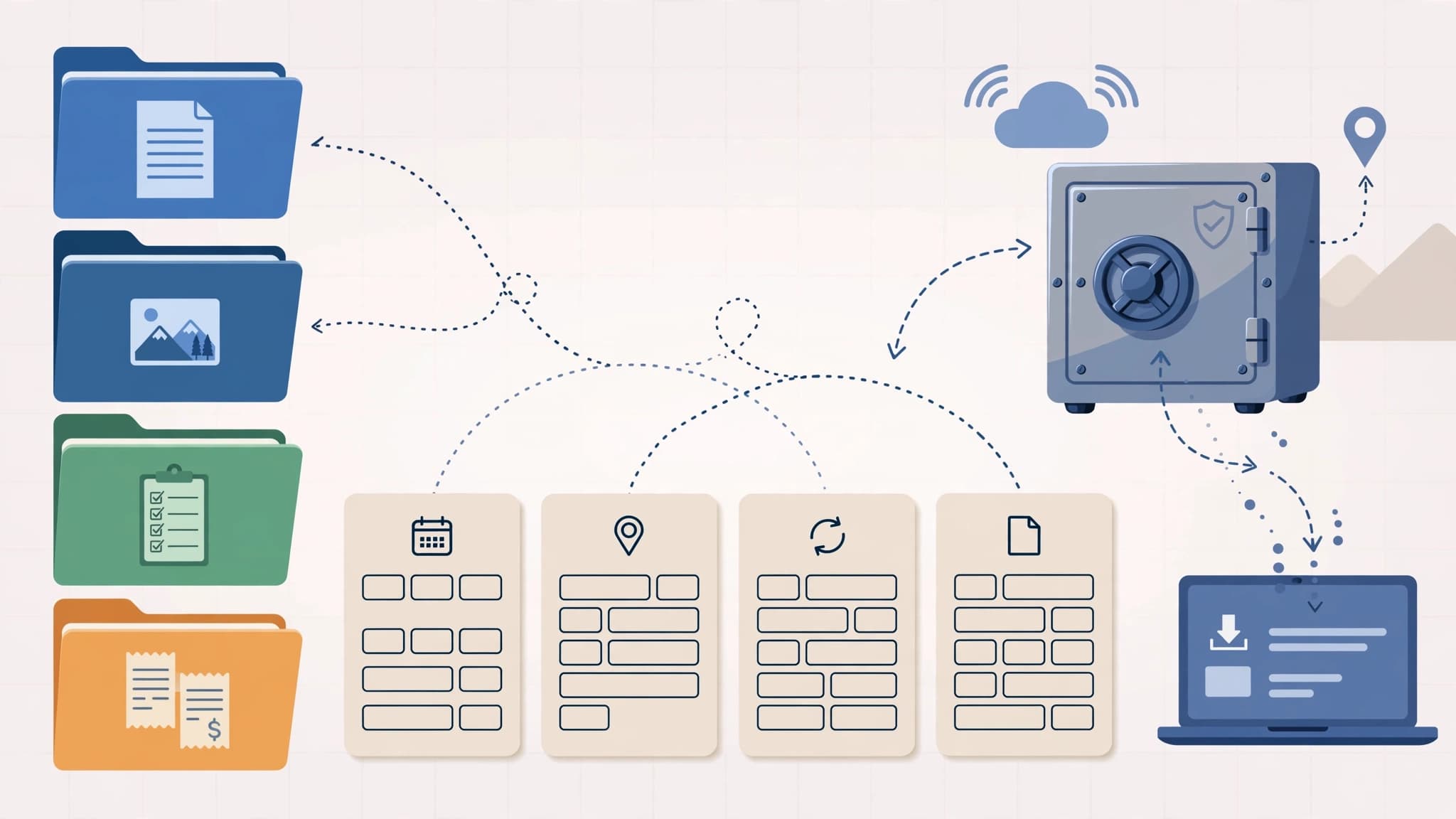
The simplest complete system I've found is Tiago Forte's PARA: four top-level buckets — Projects, Areas, Resources, Archives — that he argues can hold every piece of digital information you own, in any app, on any device.
Projects are short-term efforts with a finish line: launching a website, renovating the bathroom, planning a wedding. Areas are ongoing responsibilities with no finish line: health, finances, the car, your job's actual departments. Resources are topics you're interested in: recipes, design references, gardening notes. Archives is everything from the other three that is no longer active but worth keeping.
The distinction that matters is Projects vs. Areas, and most people get it wrong. Ask someone to list their commitments and they'll hand you areas: "Hiring. Strategic planning. Marketing." But "Hiring" could mean one hire this year or fifty this quarter — an areas list never tells you how much is actually on your plate. Worse, areas never end, so you wake up to the same list month after month and it feels like nothing ever gets done. Finite projects turn over; each one finished is visible proof of progress.
The principle behind it is what Forte calls organizing by actionability. In school we filed by subject — Math, History, Chemistry. As adults we kept doing it: Psychology, Business, Ideas. But nobody sits down to work on "Business." You sit down to work on a thing — the launch, the claim, the trip. Organize around the outcomes you're chasing and every file for that outcome lands in one place.
If four buckets feel too abstract, the Johnny.Decimal system is the same idea with more structure: numbered areas and categories, so every folder sorts the same way on every device forever — 12.12 Home insurance & claims instead of "somewhere in Documents." Pick whichever flavor you'll maintain. The system you maintain beats the system you design.
The naming rule: the filename should explain the file
Folders are where you browse; filenames are how you search. A good name answers three questions without opening the file: what is it, when is it from, and is this the current version?
Library guides and archives have converged on nearly identical rules, because they have to manage millions of files. Steal them:
- Put the date first, in year-month-day order:
2026-10-14_invoice_q4.pdfor2026_10_14_invoice_q4.pdf. Year-first is the only format that sorts chronologically. Day-first doesn't. - No spaces, no special characters. Use underscores or hyphens:
meeting-notes-not-meeting-notes (2). Spaces and characters like&,#, and%break URLs, scripts, and cloud syncs in ways that only show up at the worst moment. - Put the version in the name, not in a folder.
budget_v03_2026-10-01.xlsxbeats a folder called "old versions" that nobody trusts. Never use words likefinal,updated, ornew— the next version makes them lies. - Keep it short. Under 30 characters or so. A filename should be a label, not a summary.
The awkward truth: these decisions are trivial to make when a file is created and miserable to impose on a thousand existing files. Don't reorganize the past. Apply the rule to new files starting today, and the chaos stops growing — which is the part that actually matters.
The inbox habit: ten minutes a week
Every system dies the same way: at the Downloads folder, where new files sit "temporarily" for three years. The fix is an inbox — one place where everything new lands — and one weekly habit of filing it: delete, name-and-file, or archive. Ten minutes, Friday afternoon or Monday morning. Keep it that small and you'll still be doing it in a year.
The backup underneath it all
Organization answers "where is it." Backup answers "what if it's gone." The US Cybersecurity and Infrastructure Security Agency (CISA) recommends the 3-2-1 rule: keep 3 copies of important files, on 2 different types of storage (say, your computer and a cloud drive), with 1 copy stored off-site. The point of the numbers is separation — one fire, one ransomware attack, one stolen laptop should never take all copies.
Two things people get wrong about this. First: sync is not backup. Dropbox, Google Drive, and OneDrive mirror your files — which means they also mirror deletions, overwrites, and ransomware-encrypted versions. A synced copy is not an independent copy; your off-site backup should be unreachable by the same event that kills the original. Second: a backup you've never tested is a rumor. CISA says to test restores so you can recover within an acceptable window, and the modern rule — 3-2-1-1-0 — adds an immutable or air-gapped copy plus the requirement of zero errors on the last verified restore. Once a quarter, restore three random files. It takes five minutes; the alternative is discovering the failure during the incident, which is when everyone discovers it.
What to do today (thirty minutes)
- Inventory. List everywhere your files live: laptop, phone, cloud accounts, old drives, email attachments.
- Make the four folders. Projects, Areas, Resources, Archives — on your main drive, and use the same shape everywhere else.
- Set the naming rule. Date first (
YYYY-MM-DD), no spaces, versions in the name. New files only. - Empty the Downloads folder. File, rename, or delete. Leftovers go into Archives as "2026 inbox."
- Start the backup. Pick your three copies today: the cloud drive you already have plus one external drive with automatic backups is a real 3-2-1 for most people.
None of this is exciting. That's the feature. The best file organization system is the one boring enough that you're still using it a year from now — four folders, names that explain themselves, and copies in more than one place. Your future self, hunting for that contract at 11 PM, will never notice it worked. That's how you'll know.
References
- Tiago Forte — The PARA Method: The Simple System for Organizing Your Digital Life in Seconds
- Johnny.Decimal — a numbering system for organizing your life
- CISA — Back Up Business Data (3-2-1 rule)
- MakeUseOf — The 3-2-1 Backup Rule Is Missing a Step (3-2-1-1-0)
- Penn State University Libraries — File Names: Personal Digital Archiving
- Massachusetts Secretary of the Commonwealth — File Organization Best Practices
Comments
More in Life & Productivity

Workday Bought C1.ai to Give AI Agents a Login. Here's What Agentic Identity Management Actually Is
Workday just agreed to buy C1.ai, an identity platform for AI agents. Here is what agentic identity management actually does — and why your agents logging in as you is the part that should worry you.
Read more